Working with AI Datasets
An AI Dataset is a structured collection of simulation results that a surrogate model learns from during training. Most of the time you will not build one directly: when you create a model, AI Physics selects and validates cases as part of that flow, which is described in Training surrogate models.
This page covers what is left over. It describes the Jupyter Notebook path, which the Dataset Creation Agent also uses, and the operations you run on a dataset once it exists.
Build a dataset in the notebook
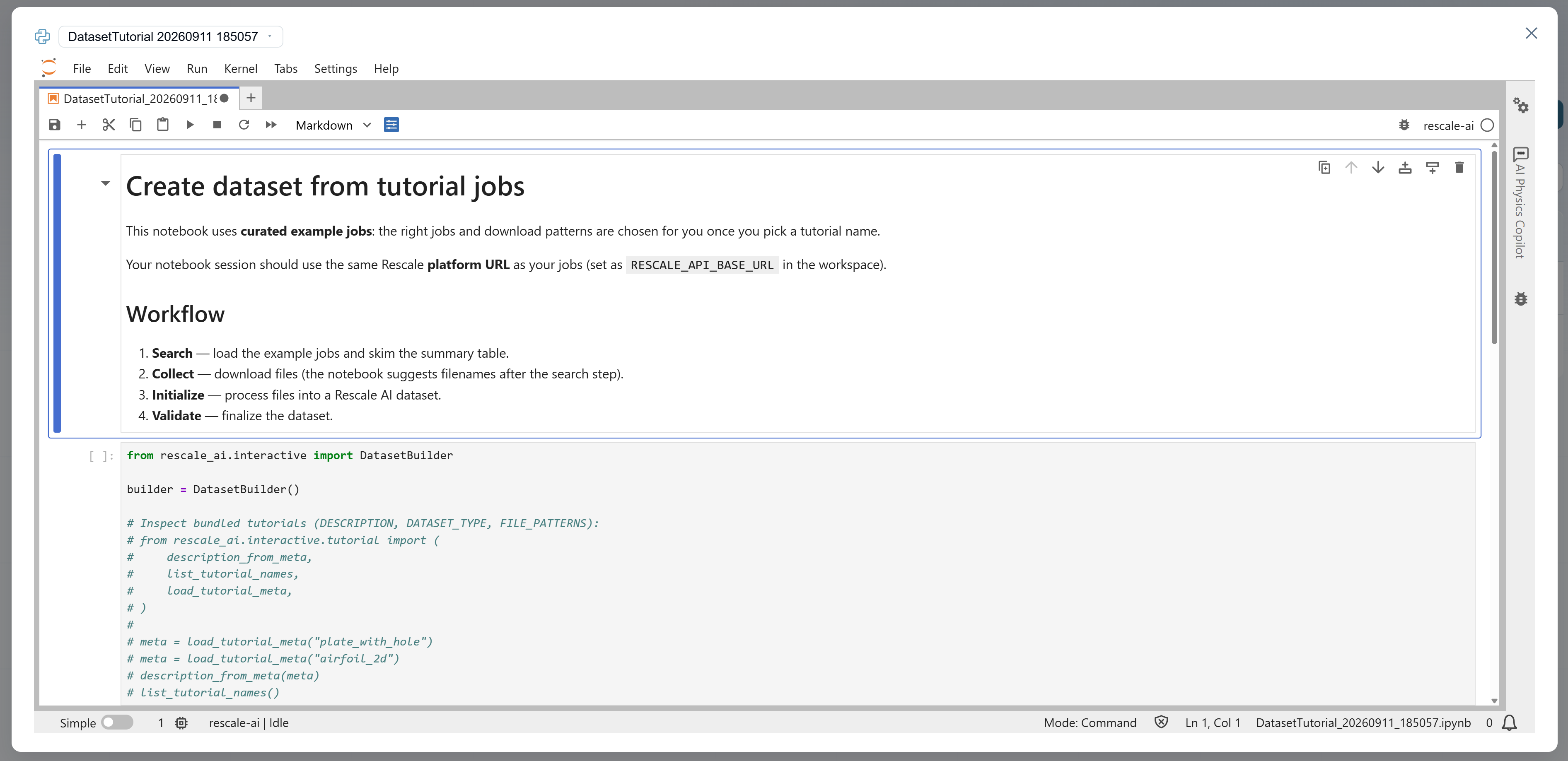
Dataset creation happens inside a Training Session using a Jupyter Notebook template. The notebook walks you through collecting job results, organizing them into the dataset structure, and validating that inputs and outputs are consistent across every run.
- From AI Physics Training, click New Dataset. This opens a Jupyter Notebook template with step-by-step instructions.
- Follow the notebook instructions to:
- Collect cases: Specify the Rescale jobs to include in your dataset (by job ID, date range, or tag).
- Initialize the dataset: The notebook loads input variables (from Custom Fields) and output variables (from extracted solver files) for each case.
- Validate the dataset: The notebook checks that all cases have consistent variable schemas and no missing data.
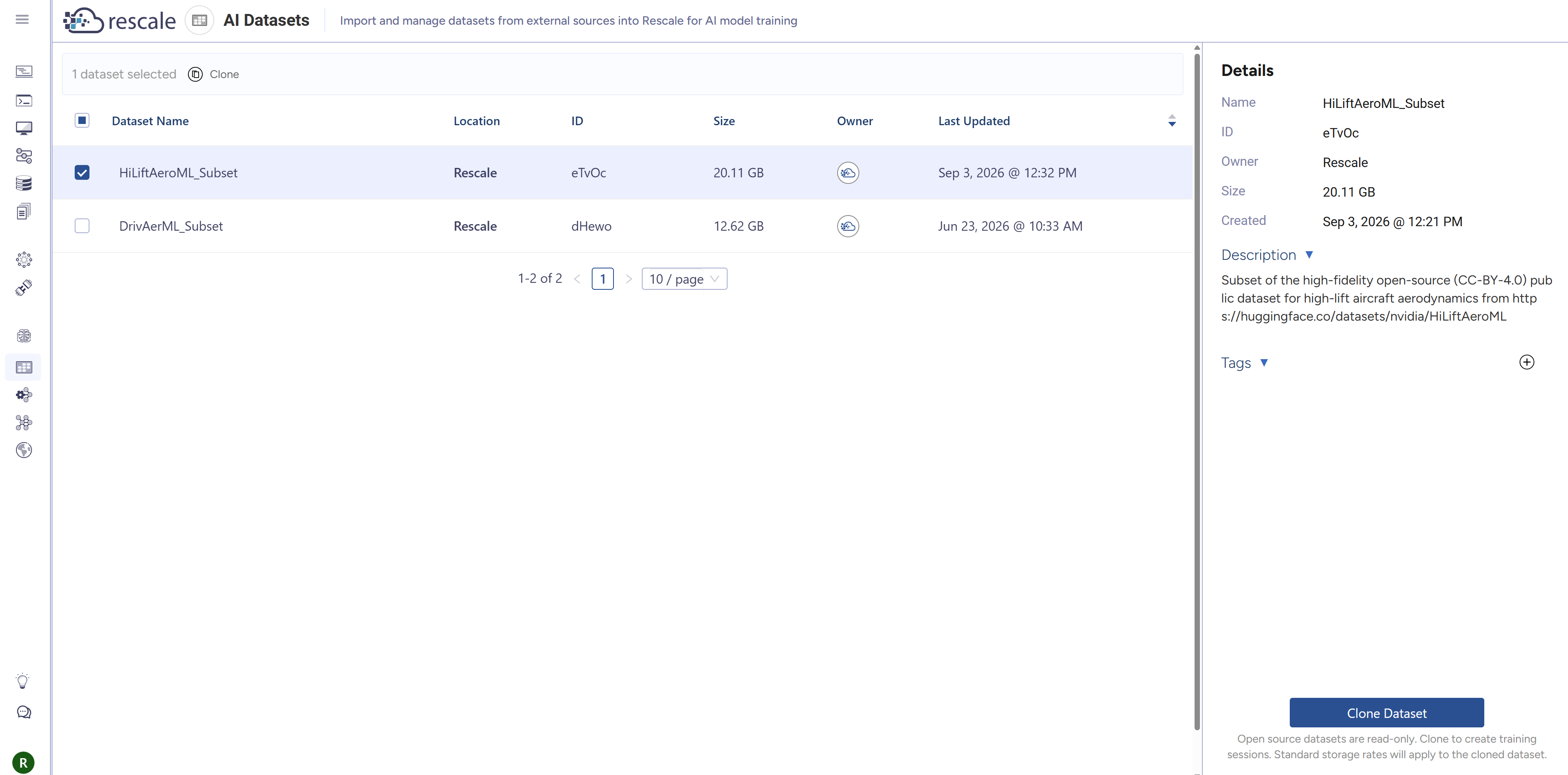
- Once validation passes, your new AI Dataset appears in the AI Datasets table in the Rescale platform.
Notebook Copilot
The Notebook Copilot is available in the notebook interface to help answer questions and suggest next steps using natural language. It uses the Qwen2.5-Coder-14B large language model from Alibaba, licensed under Apache 2.0. No data is sent from the Notebook Copilot to Alibaba or third parties.
Mesh decimation (optional)
For high-resolution meshes, you can perform mesh decimation in AI Physics Training to reduce mesh size and shorten training time. This is optional, but it can speed up training considerably for datasets with large meshes. Decimation reduces the number of mesh points while preserving geometric features.
To decimate a mesh, open the Process tab of a given Dataset version in AI Physics Training.
Manage AI datasets
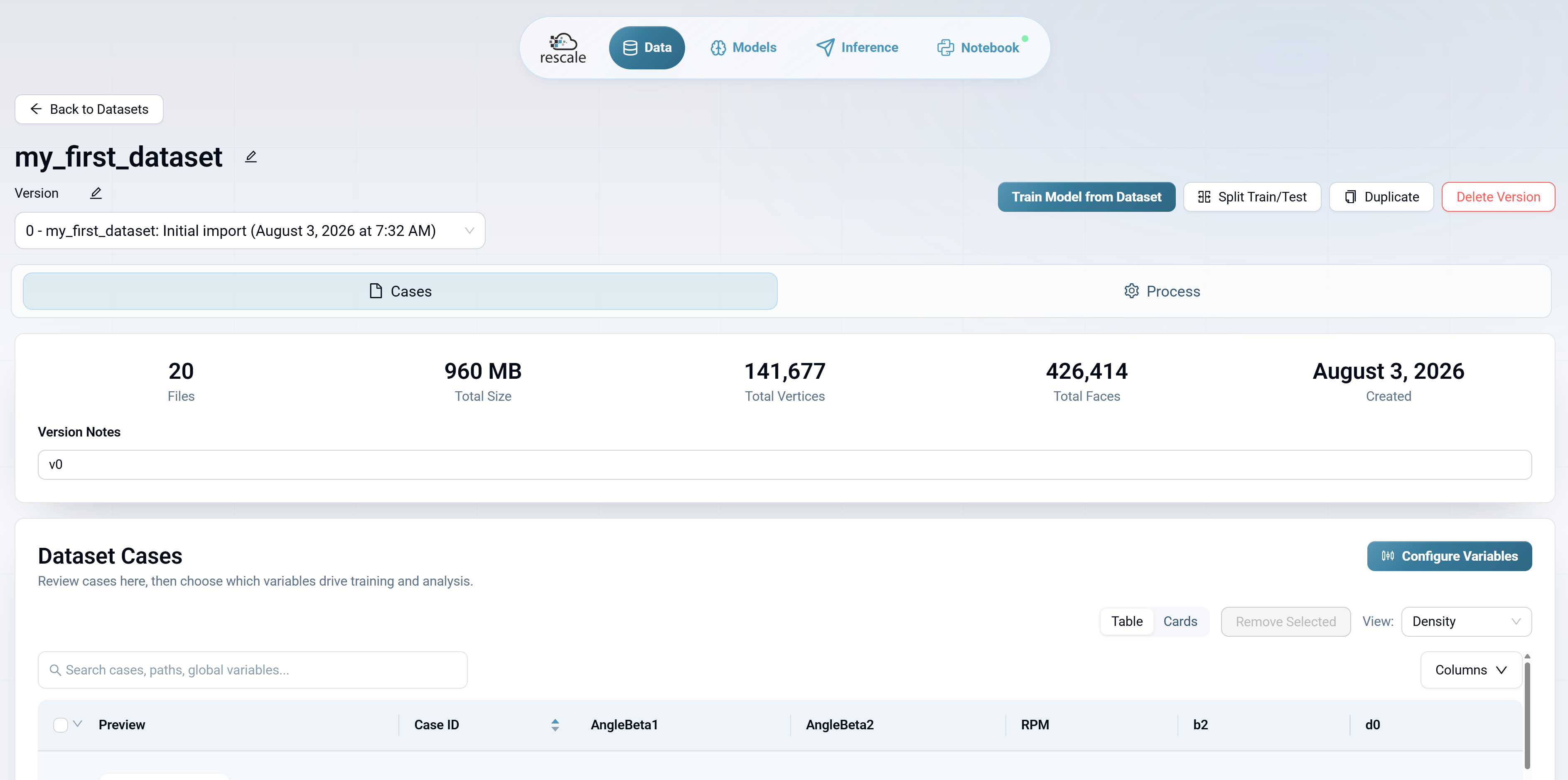
From AI Physics Training, you can:
- Merge datasets: Combine multiple datasets into one, which is how you add new simulation results to an existing dataset.
- Split datasets: Divide a dataset into training and test subsets with custom ratios.
- Duplicate datasets: Create a copy for experimentation without affecting the original.
- Delete datasets: Remove datasets you no longer need.
- Inspect dataset cases: Review the list of cases, view input and output variable ranges, and identify any outliers.
Access these options from the Data tab in AI Physics Training.
What's next
- Train a surrogate model: See Training surrogate models to select an architecture, configure training, and evaluate the result.
- Add more data: If accuracy is insufficient after training, expand your DOE to cover additional input regions, then merge the new cases into your existing dataset.